


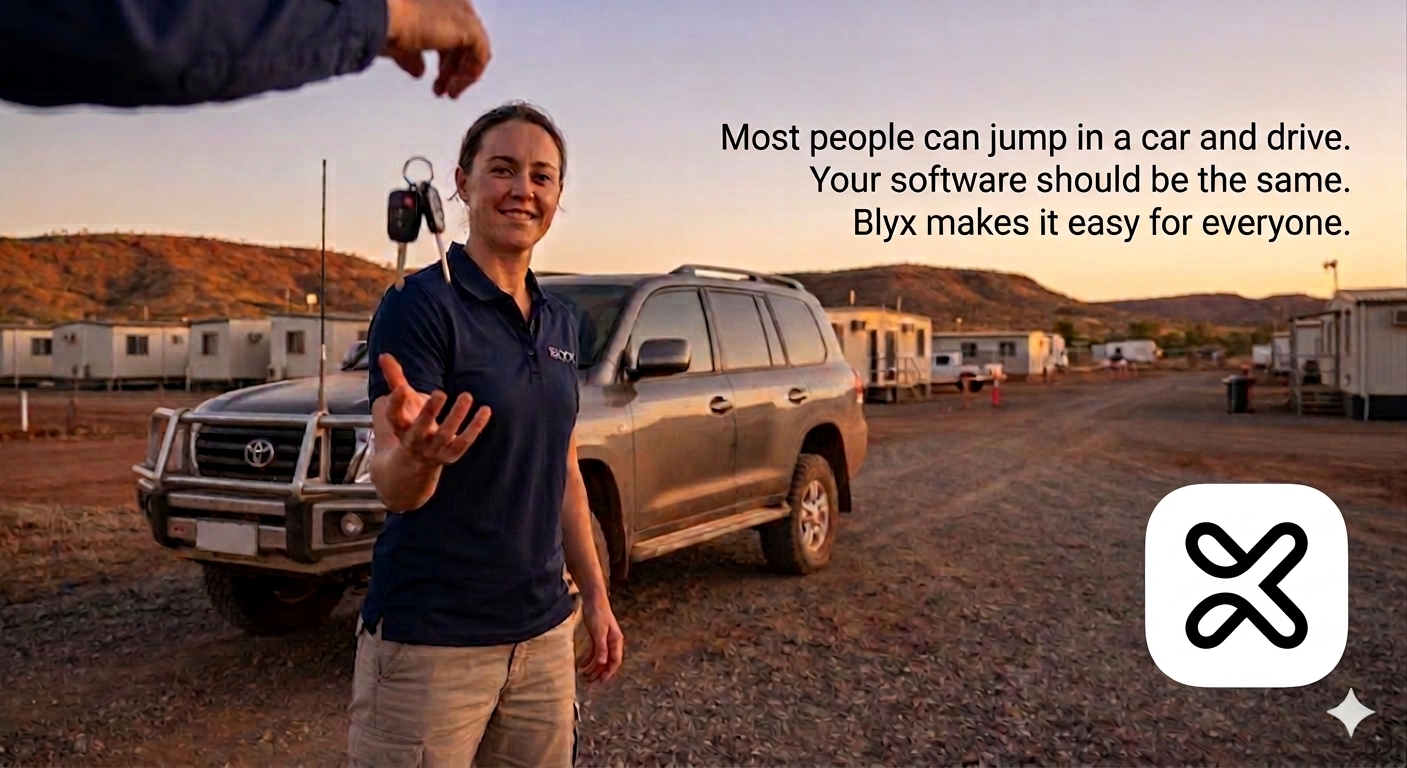
Software anyone can operate
Fit-For-Purpose Software
In the previous article we explored why access control hardware needs to be built for the environment.
In remote accommodation villages, the conditions are very different from hotels or office buildings. Equipment needs to handle dust, heat, long distances and limited maintenance support.
It’s a bit like choosing a vehicle for remote work.
Not every car is built for the outback. Some vehicles simply won’t survive the conditions. But choosing the right vehicle isn’t only about durability — it’s also about keeping the people inside safe and comfortable while they travel.
The same principle applies to access control systems.
Selecting the right hardware ensures the system can operate reliably in the environment.
But the software determines whether the people using the system can actually operate it safely and confidently every day.
And that’s where many systems fall short.
When a new accommodation facility is designed, the specification often simply states “electronic access control” with a budget attached. The design team focuses on how the system will be installed — cabling, doors, readers and infrastructure.
But the people selecting the system are rarely the people who will operate it every day.
Front-of-house teams, maintenance staff and site managers are the ones who will be driving the vehicle.
If the software is confusing, difficult to navigate or easy to make mistakes in, the system quickly becomes a burden rather than a benefit.
Choosing the right system is not just about installation.
It’s about making sure the right people can safely drive it.
The Vehicle Analogy
Think about how you drive a car.
You don’t spend your time thinking about the engine, the fuel injectors or the gearbox.
You focus on the road ahead.
The vehicle quietly handles the complex engineering in the background and only tells you when something needs your attention.
You rely on three things:
- Fuel to keep the car running
- The dashboard to show you what’s happening
- Driver assistance features to help with simple tasks
Good software works in exactly the same way.
Fuel: Knowing What the System Needs to Do
Fuel is the essential ingredient that allows a vehicle to go anywhere.
Without it, nothing else matters.
In the Blyx system, access control plays a similar role.
Not simply because it opens doors, but because it tells the system something critical: who should be in a room and what the system should expect to happen there.
That information becomes the starting point for everything else.
If the system knows a room is occupied, vacant, awaiting a guest or unexpectedly active, it can respond appropriately — triggering automation, highlighting anomalies or guiding staff decisions.
For example, imagine a front-of-house team member assigning a room to an unexpected guest.
The room management system shows the previous guest checked out that morning, so the room appears available.
But the guest actually extended their stay and is still inside.
With a traditional system, that mistake may only become obvious when the new guest opens the door.
Blyx helps identify the problem earlier.
Before assigning access, the system checks whether access permissions already exist. If they do, staff are prompted to confirm whether the existing access should be changed. Because the system can also detect human presence, it can warn the user that someone may still be inside the room.
Just like a vehicle warns the driver that fuel is running low long before the tank is empty, the Blyx software highlights potential issues early — supporting the people operating the facility and reducing the chance of mistakes before they occur.
The Dashboard: Seeing What Matters
When you drive a car, you are focused on the road.
You rely on the dashboard to tell you if something needs attention.
It might be something simple — like low washer fluid — or something more serious like a check-engine warning.
The important thing is that the vehicle turns complex data into simple information the driver can understand immediately.
And ideally, it warns you while the issue is still manageable — not once you are already stranded on the side of the road.
Blyx software follows the same philosophy.
The Blyx Dashboard presents the accommodation facility as a live digital map that mirrors the real layout of the site.
Rooms are colour-coded to show their status:
- Reserved
- Occupied
- Vacant
- Out of service
At a glance, staff can immediately see what is happening across the facility.
But the system also highlights situations that don’t look right.
For example:
- A guest who was expected to check in has not arrived
- Human presence is detected in a room without a reservation
- Environmental sensors detect abnormal conditions in a room
- A chemical storage area reports dangerous air quality levels
Individually, these pieces of data may not mean much.
But when the system places them in the right operational context, they become clear signals that something needs attention.
Instead of reacting to problems after they occur, teams can see early warning signs and respond proactively.
Driver Assistance: Automation That Helps
Modern vehicles don’t just provide information.
They also assist the driver.
Headlights automatically switch on when it becomes dark.
Rain sensors activate the windscreen wipers when it begins to rain.
Drivers can still control these functions themselves — but the vehicle helps handle simple tasks so the driver can focus on the road.
Blyx software provides similar assistance.
A common example in accommodation facilities is air-conditioning management.
Staff are often asked to turn off AC units when they notice they have been left running in vacant rooms. While this sounds simple, it relies on someone noticing the situation and remembering to act.
With Blyx, the system can combine multiple sources of information:
- access activity
- human presence detection
- room environmental data
From this data the system can determine when a room has likely been vacant for an extended period.
When this occurs, the system can automatically adjust the AC settings to reduce unnecessary energy use while still maintaining acceptable room conditions.
If the guest returns, the room conditions can be restored automatically.
Just like automatic headlights or wipers, this doesn’t remove manual control.
It simply provides an “auto mode” that quietly assists staff by handling routine situations consistently.
Instead of relying on someone to remember every small task, the system helps take care of them.
Choosing the Right Vehicle
Selecting an access control system is a lot like choosing the right vehicle.
First, it needs to be capable of operating in the environment.
That’s the hardware.
But it also needs to be something the people on site can drive confidently every day.
That’s the software.
The best systems are safe, clear and simple to operate — allowing more people on the team to use them effectively.
And just like driving a well-designed vehicle, the goal is simple:
You should be able to get in, start the system and focus on where you need to go — confident that it will help you get there safely.
In the next article we’ll explore what becomes possible once both the hardware and software are working together effectively.
Because when the system is reliable and easy to operate, facilities can begin to unlock a much wider range of operational improvements.